Version Profiles
Built-in profiles for VanillaSilicon 1.12.1, BurningSilicon 2.4.3, and WrathSilicon 3.3.5a, plus custom profiles and experimental profiles for other 32-bit Direct3D 9 games.

Standalone runtime
Launch classic World of Warcraft on Apple Silicon—without CrossOver.
WoWSilicon bundles its own Wine runtime, D9VK and MTLd3D graphics backends, accelerated x87 translation, and the tools needed to manage older game clients from one app.
Say goodbye to dedicating a full Windows VM just to play old WoW. Run directly on macOS, save storage space, and avoid the extra virtualization layer that can hold performance back.
Loading latest version...
Supported
Vanilla, TBC, WotLK
Runtime
Bundled Wine
Graphics
D9VK + MTLd3D
x87 Translation
JIT + Sidecar
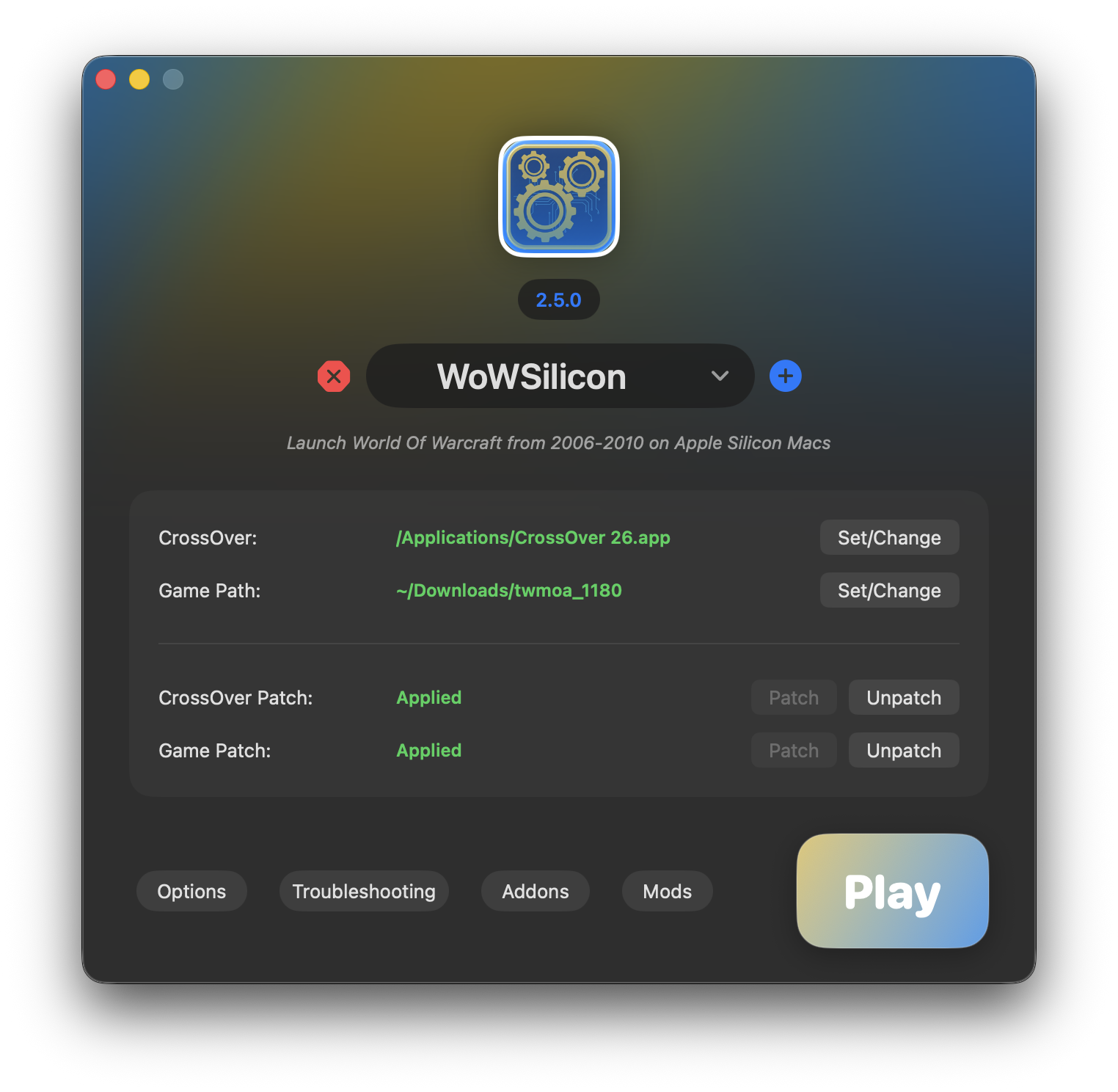
Choose a profile or executable, patch the game folder, select your graphics and x87 backends, and launch. The Wine runtime and translators are already included.
Built-in profiles for VanillaSilicon 1.12.1, BurningSilicon 2.4.3, and WrathSilicon 3.3.5a, plus custom profiles and experimental profiles for other 32-bit Direct3D 9 games.
Ships with a purpose-built Wine runtime. CrossOver and a separate Wine installation are no longer required.
Installs the appropriate Direct3D 9 and WoW-specific runtime files while keeping generic game profiles limited to the required d3d9.dll.
Use D9VK for Vulkan-based translation or MTLd3D for direct Direct3D 9-to-Metal rendering, including optional HDR.
Choose between rosettax87_jit and x87sidecar per profile, or disable accelerated x87 translation for troubleshooting.
Install nested addon repositories, update managed addons, and enable or remove DLL-style mods while protecting required runtime files.
See when Wine processes are active and use Force Quit when a game or helper process remains open.
Install Wine Mono, Microsoft Visual C++ 2022, and Git from the Dependencies view when a client or addon needs them.
Classic WoW clients rely on old x86 behavior, including x87 floating-point instructions. On Apple Silicon, Rosetta 2 handles a lot well, but x87-heavy paths can be expensive compared with SSE-oriented code paths.
WoWSilicon lets each profile use rosettax87_jit, x87sidecar, or no accelerated translator. Supported WoW clients can also use libSiliconPatch to replace selected hot paths with SSE-friendly implementations.
Replaces functions that use x87 and recompiles them to use SSE, which results in better performance on Apple Silicon.
Hooks Rosetta 2 and emits ARM instructions to accelerate x87 translation, with support for current macOS releases.
Runs accelerated x87 translation in an isolated helper process as an alternative to rosettax87_jit.
Choose Vulkan-based D9VK or the Metal-native MTLd3D backend per profile. Both are bundled with WoWSilicon.
Download the latest release from GitHub, move it to Applications, then follow the setup guide below.
Loading...
If macOS blocks the first launch for an unsigned build, remove the quarantine flag after moving the app to Applications.
WoWSilicon includes the runtime it needs. Install the app, choose a profile or executable, and patch the selected game folder.
After downloading, open the WoWSilicon DMG or ZIP from your Downloads folder. If it is a DMG, it will mount in Finder.
Drag WoWSilicon.app into /Applications.
You can open Applications from Finder, or press
Cmd+Space, type /Applications, and
open the folder.
Unsigned builds are blocked by Gatekeeper. This is needed because the app is free and there is no Apple Developer ID to sign it with. Run the following command in Terminal after moving it to Applications:
xattr -cr /Applications/WoWSilicon.app
Open WoWSilicon and select a built-in WoW profile, create a custom profile, or choose the experimental Non-WoW game option.
Select the game executable when prompted and allow macOS to access its folder. Existing profiles are migrated automatically.
If setup fails, include your macOS version, selected profile, graphics backend, x87 translator, debug log, and the exact step that failed.
The troubleshooting view inside WoWSilicon can also collect useful context before you report a problem.
WoWSilicon is not advocating the use of any private server. The launcher is intended to help older World of Warcraft clients run on Apple Silicon hardware in an efficient and performant way. Users are responsible for how they use the software, and WoWSilicon is not liable for that use.